NickTrend turns the name you type into new Unicode styles you can copy. This guide covers three steps (type a name, choose an app and mode, tap Copy), how to paste the result into Free Fire, BGMI (PUBG Mobile) or Instagram, and what to do when a symbol shows as a box.
Last updated: 2 November 2026
Make a name style in three steps
- Open the name style generator and type your name in the first box. Letters and numbers work best, and the box takes up to 18 characters.
- Choose the app or game, then pick a mode such as Symbols, King or Hindi words. The mode list changes with the app you pick.
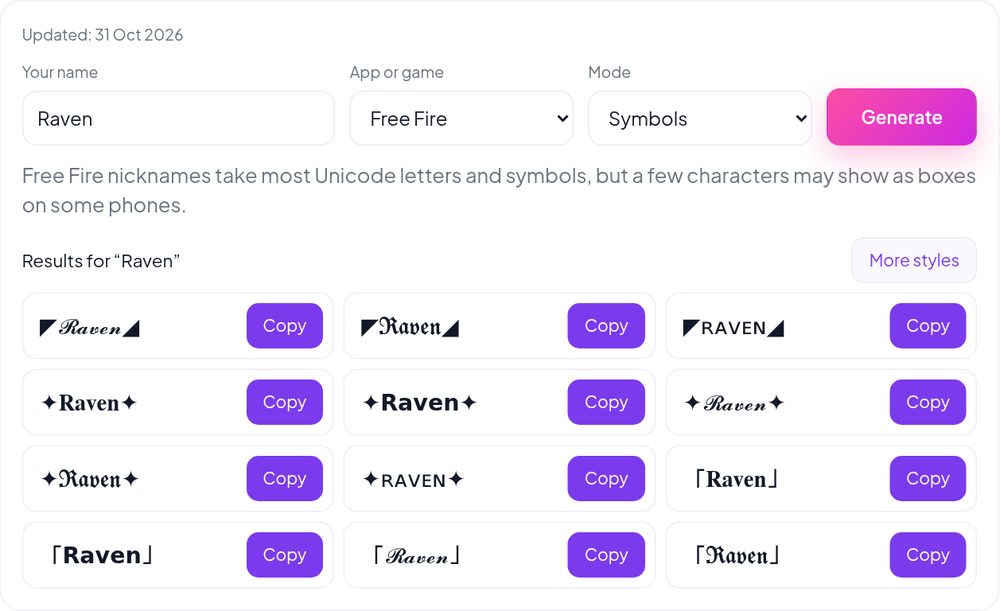
- Press Generate, then tap Copy next to the style you like. Tap More styles to see a new set for the same name.
Paste it into Free Fire, BGMI or Instagram
Open the app, go to the screen where you set your name, clear the old text and paste the copied style. The exact menu names change between versions, so follow what your app shows you.
- Free Fire: open your profile and look for the option to change the nickname. The game decides whether a rename needs an item, so read the screen before you confirm. A Symbols result for Raven: ◤𝓡𝓪𝓿𝓮𝓷◢
- BGMI and PUBG Mobile: open your profile and find the rename option. Clan tag modes suit the name field, and the game may limit the length. A Symbols result for Cobra: 𝕮𝖔𝖇𝖗𝖆✘
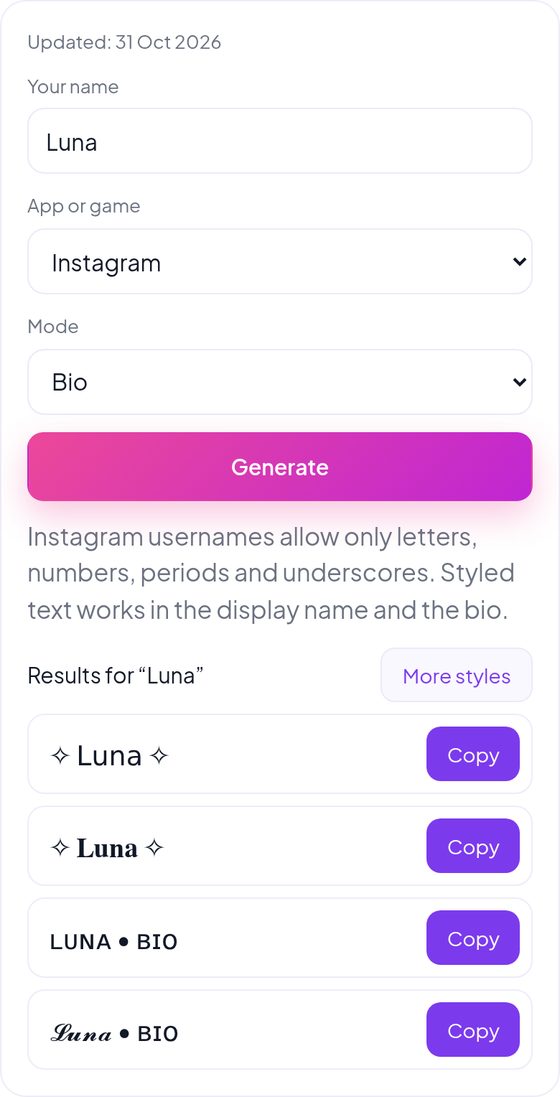
- Instagram: choose Edit profile and paste into the Name field. The username only accepts letters, numbers, periods and underscores, so styled text belongs in the Name field or the bio. A Bio result for Luna: ✧ 𝐋𝐮𝐧𝐚 ✧
Why some symbols show as boxes
Each style uses ordinary Unicode characters, and every phone, app and game has its own list of characters it can draw. When a character is missing, the screen shows an empty box instead. The text you copied is still correct; the app just cannot display it.
If you see a box, go back to the generator and pick another style in the same mode. Plain bold, sans bold and small caps styles show on more devices than rare symbol frames.
Send us a new name style
Have a style that is not in the generator, or one that does not show correctly in your game? Use the contact form and tell us the app, the mode and what you saw.